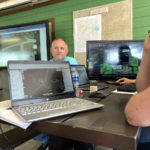
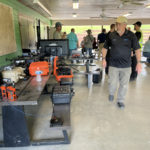
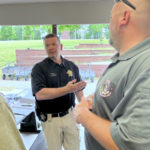
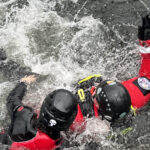
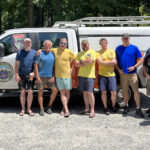
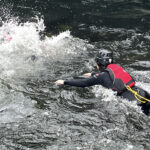
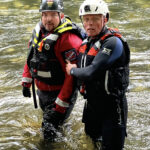
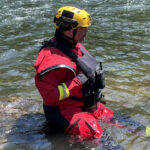
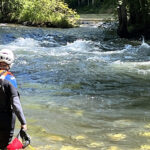
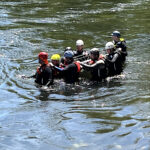
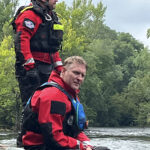
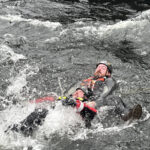
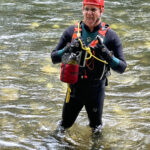
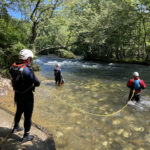
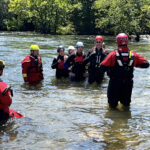
RAT-SAR Swiftwater Rescue class was held in North Carolina this past weekend. Lot of fun and great instruction from Shawn Haynes, Eric Wiseman, Darrell Adams and Shane Adams. Working on adding another class to the RAT-SAR schedule.
Randall's Adventure & Training Search and Rescue
RAT-SAR Swiftwater Rescue class was held in North Carolina this past weekend. Lot of fun and great instruction from Shawn Haynes, Eric Wiseman, Darrell Adams and Shane Adams. Working on adding another class to the RAT-SAR schedule.
Press Release from McDowell County Sheriff’s Office:
On Monday afternoon, authorities located human remains in a remote area of Curtis Creek in McDowell County, NC. Detectives with the McDowell County Sheriff’s Office believe the body is that of 20-year-old Gabe Focaracci who has been missing from the Asheville area since June 24th. Deputies and Rescue personnel made the discovery in a steep and rugged ravine around one mile from where his car was found on July 12th. An autopsy will be conducted this week.
In total, nine searches were made by authorities since the discovery of his car. “I would like to thank the brave men and women from all the different agencies and organizations who have assisted us with these searches. The area is rugged, steep, and very dangerous to operate in”, said Sheriff Ricky Buchanan.
The discovery was made by members of the McDowell County Sheriff’s Office, McDowell Emergency Management, North Carolina Emergency Management Mountain Rescue Team, McDowell EMS and members Randall’s Adventure Training Search and Rescue (RATSAR) out of Alabama.
The Sheriff’s Office would also like to thank the Old Fort Fire Department, Crooked Creek Fire Department, Marion Fire Department, Hankins Fire Department, McDowell Rescue Squad, NC Wildlife Resource Commission, and numerous K9 teams for their help with previous searches.
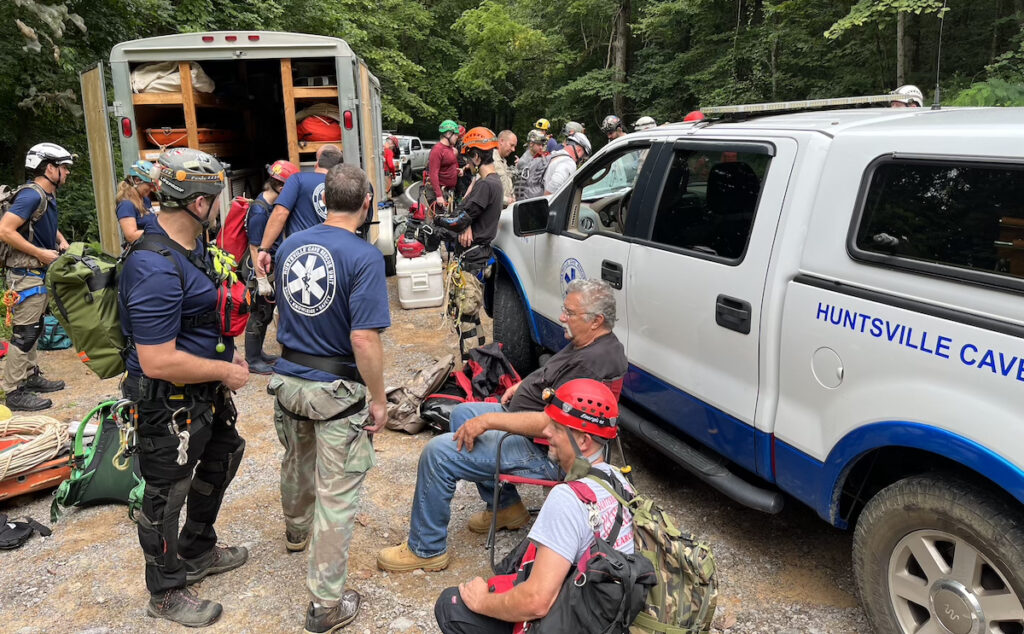
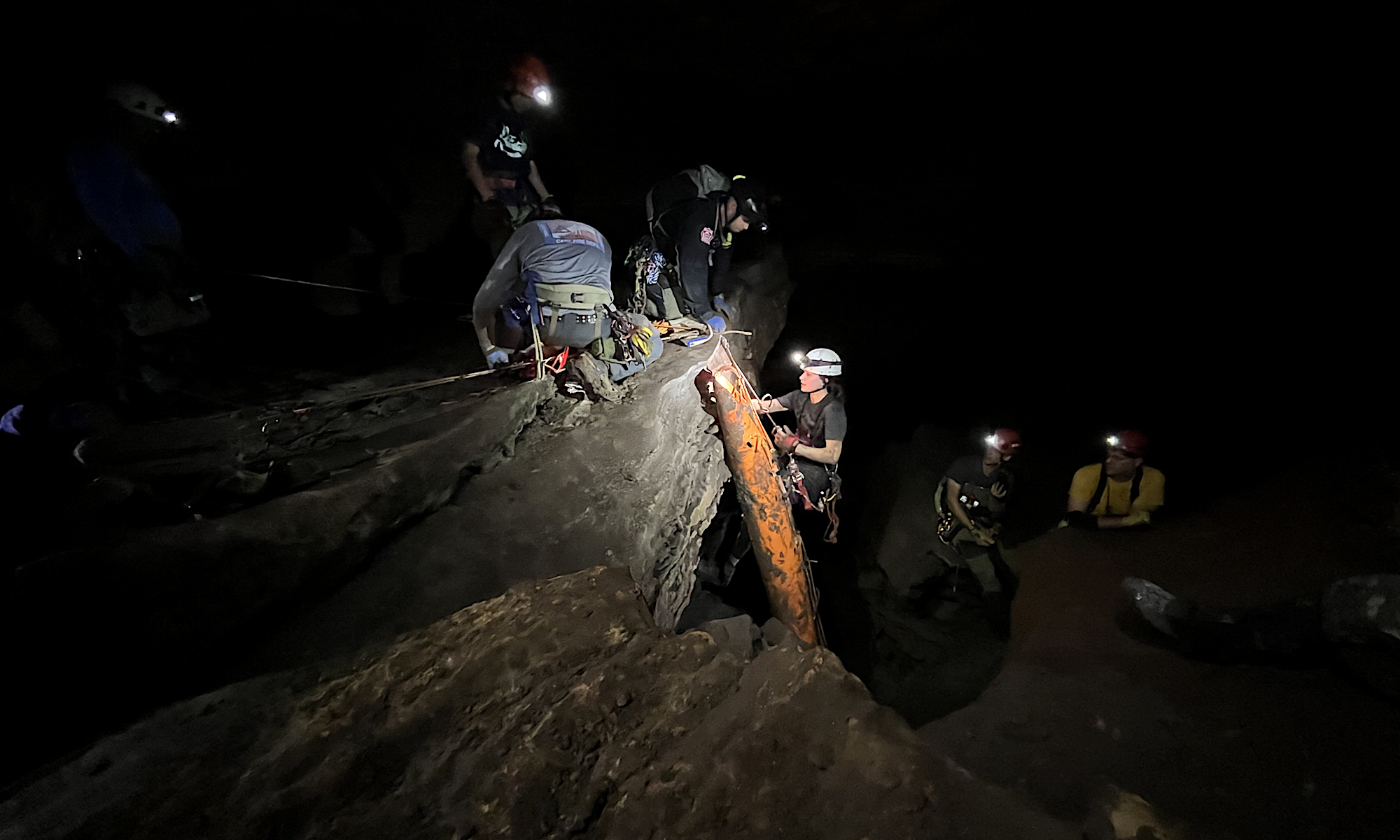
RAT-SAR team members participated in the annual Huntsville Cave Rescue Unit’s Cave Rescue Technician class over the past 4 days. The class had a total of 22 students – all there to learn how to respond to cave rescue calls in their jurisdictions. For more information on the course visit: http://www.hcru.org/rescueclass
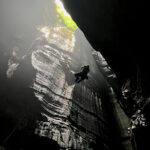
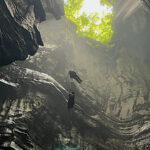
RAT-SAR members spent a training day descending and ascending Valhalla cave. The descent /ascent is a 227′ vertical drop. Valhalla is an excellent training cave for vertical rescues and single rope skills development. Practicing in locations such as this increases our rescue capabilities on actual rescues in remote and hazardous terrain.
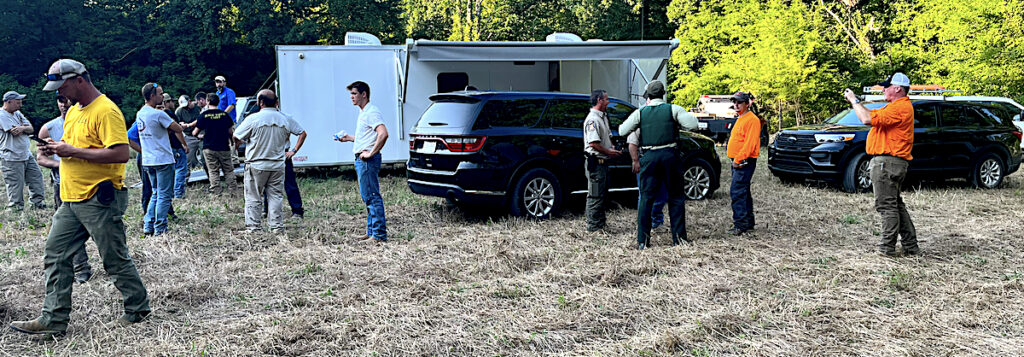
RAT-SAR call for assistance came in at approximately 10:30am July 12th, of an 18 year old male that may have wondered off into the woods near the Black Warrior Check-in Station on County Road 9 in Bankhead National Forrest. Deputies arrived and located a vehicle belonging to the 18-year-old. The Lawrence County Sheriff’s Office Multi Agency Search and Rescue along with Randall’s Adventure and Training Search & Rescue (RAT-SAR), Northwest Alabama K-9, Morgan County Search and Rescue, Christian Aid Ministry, Franklin County Sheriff’s Office, Morgan County Sheriff’s Office, Lawrence County Sheriff’s Office Public Safety Cadets, ALEA helicopter, and the U.S. Forestry Law Enforcement units arrived for the search. The Lawrence County EMA office setup a command post. At approximately 6:15pm one of the search teams spotted the 18-year-old near Borden Creek approx. 2 miles from where the teenager entered the woods. The teenager was escorted to the nearest road and transported to the command post. The young man stated that he went into the woods to do some thinking and became lost. The teenager was provided food and water and left with family members. Read the news article.
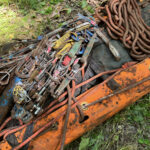
Great weekend of training with RAT-SAR members at Bucks Pocket State Park. We had a chance to try out some new rescue gear that will make some of our rescue mission safer and faster, as well as getting some new members on rope for their first time.
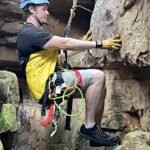
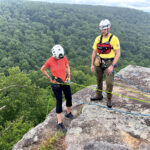
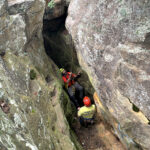
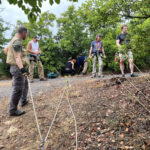
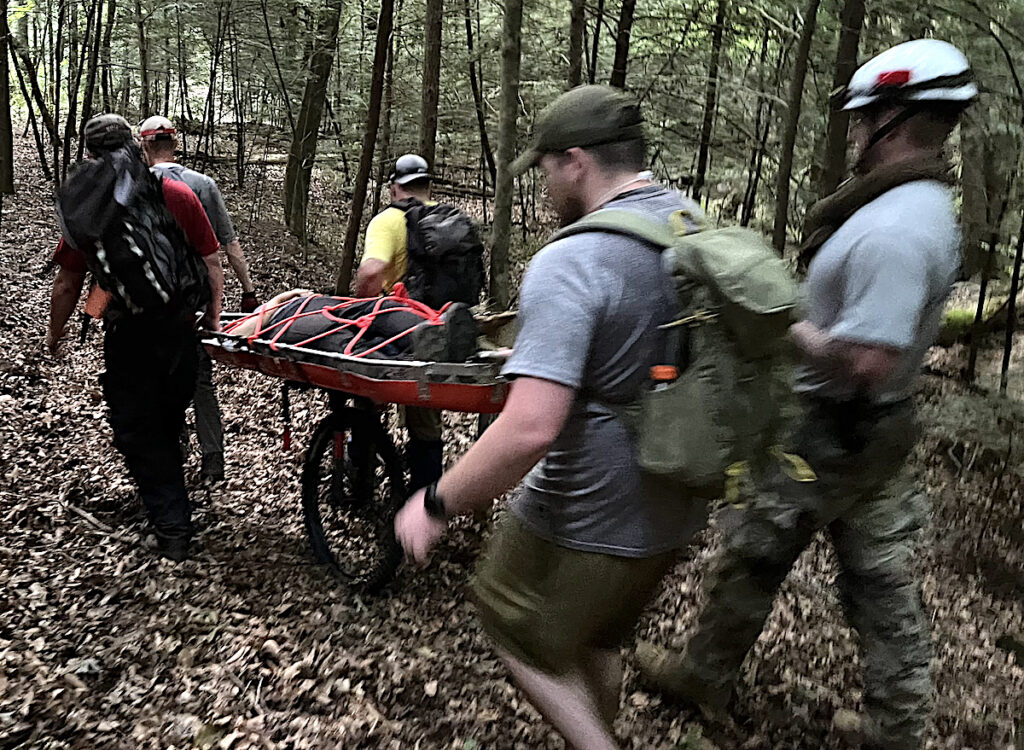
On July 4th, RAT-SAR received a call for assistance from Lawrence County Sheriff’s Office about a missing and possibly injured horse rider. The team was paged out at 1400. While enroute, a RAT-SAR team member who happened to be in the area notified RAT-SAR that he had found the woman and she was injured possibly with a broken hip. Her location was a rugged, off-trail area of the Bankhead National Forest. RAT-SAR arrived at the command post approximately 1600 and begin the hike in to assist with bringing the subject out. The subject was evacuated via a wheeled litter for about 1100 meters until reaching the Kubota RTV at the trail. The subject was then transported via the RTV for about 3 miles along the trail. The call was cleared approximately 2345 with the subject and all rescuers out of the woods. This rescue was a multi-agency effort by Lawrence County Sheriff’s Office Multi Agency Search and Rescue, Moulton Fire Department, Mt. Hope Fire Department, RAT-SAR, NW Alabama K-9, Lawrence County EMS, and Alabama Forestry Law Enforcement. Read the news story about the rescue.
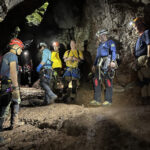
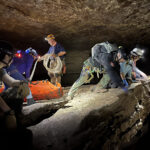
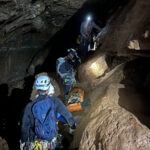
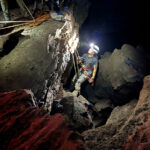
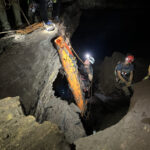
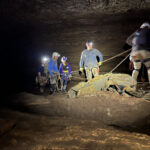
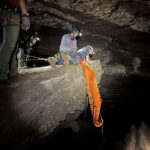
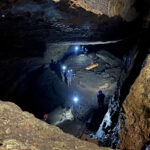
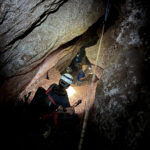
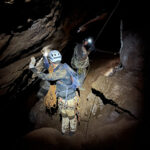
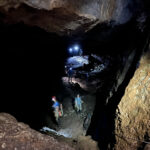
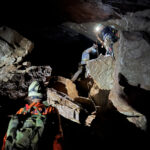
RAT-SAR hosted our annual cave rescue exercise at Shelta cave in Huntsville, AL. The exercise consisted of rescuing a patient via a vertical raise from a small crevice approximately 30’ below the rigging point, then moving the patient on a horizontal line to another vertical raise, then transitioning to another horizontal line and moving to the final vertical raise out of the cave. The rescue team consisted of 16 rescuers from North Carolina rescue teams and RAT-SAR.
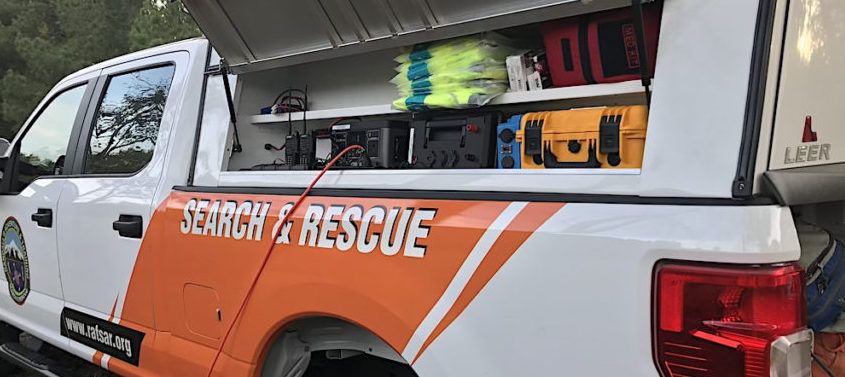
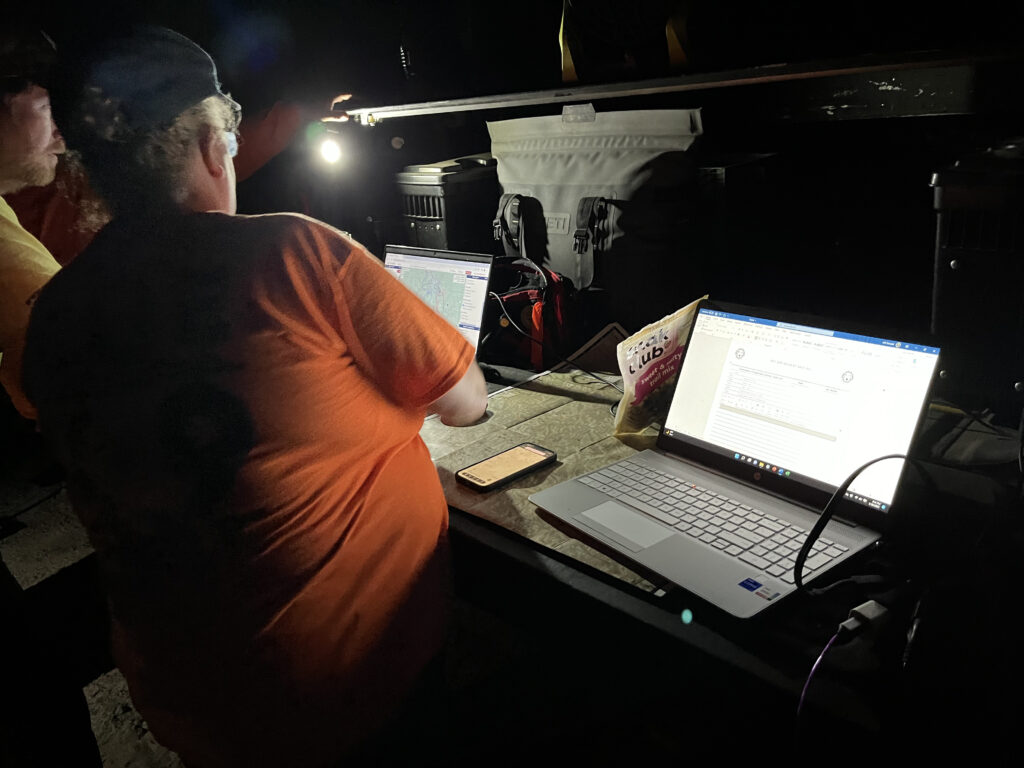
05/30/2022 – LCSO paged out RAT-SAR at 1452 on May 30, 2022 to search for a missing 33-year-old male. The subject had communicated to other hikers that he was lost. The hikers had made contact with the subject while he was on top of a cliff with no way to get down to the trail that the hikers were on. The hikers told him to stay put and they would hike around and show him how to get out. It took approximately 2-hours for the hikers to get to the subject’s last known point. When the hikers arrived at his location, the subject had already moved. The hikers immediately notified the sheriff’s office of the missing person. ALEA was paged out and a search helicopter was sent from Montgomery. At approximately 2130 hours the aerial searchers saw a light being flashed at them in a rough area of the Sipsey. Coordinates were relayed to ground search teams and they proceeded to move off-trail to the location. The subject was located with an injured knee and slowly walked out. All teams and the subject arrived back at the ICP at 0530 the next morning. The subject had been lost for 3 days and said he had not eaten and was drinking water from streams. The subject was off-trail in one of the most rugged areas of the Sipsey with no trail access and a lot of high-angle environment. RAT-SAR would like to thank the following mutual aid response teams for assistance on this call: Lawrence County Sheriff’s Office, NW AL K9, Huntsville Cave Rescue Unit, Fischer Rescue Squad and ALEA Aviation Unit.
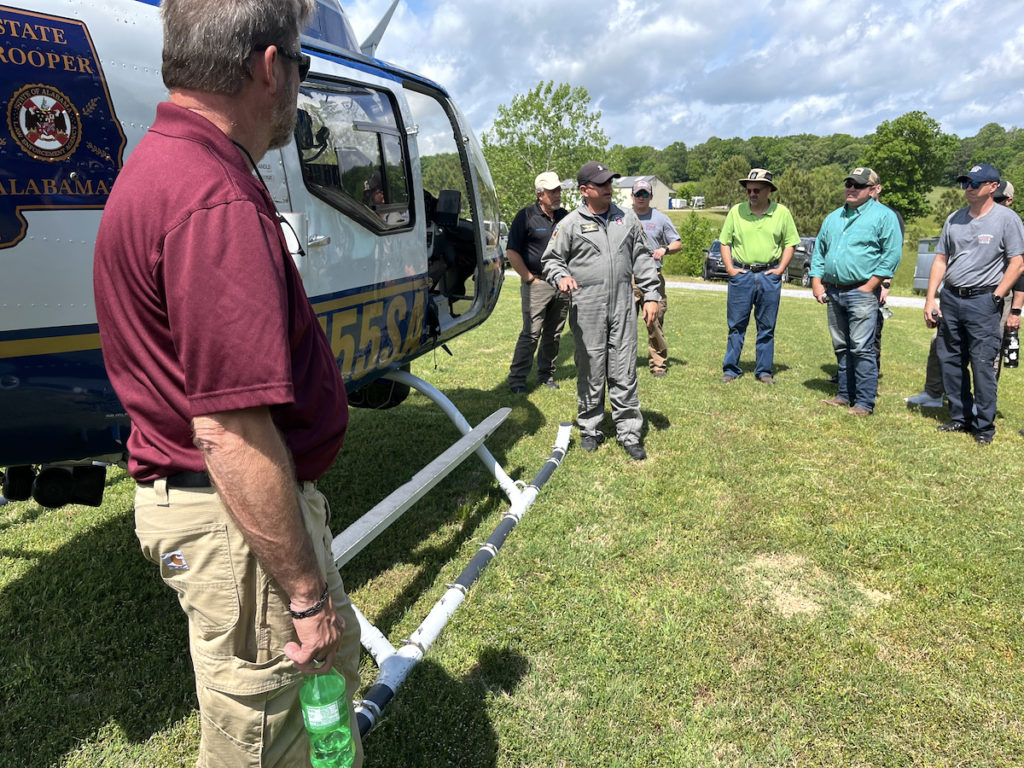
Two days of great training with GISAA, Morgan County Rescue Squad, Morgan County Sheriff’s Office, Huntsville PD, ALEA, City of Tuscaloosa, Lee County EMA, and RAT-SAR. Read the news article.